Quick gut check. Have you Googled your own business name lately? Not your website. Just your business name, like a customer would. If a box popped up with your hours, photos, and a map pin, nice work, that's your Google Business Profile already working for you. If nothing showed up, or what did show up looks outdated, this post is for you. What Is a Google Business Profile for Small Business, Really? Think of it this way. Your website is your storefront. It's where people go once they've already decided to learn more about you. Your Google Business Profile is the sign out front, visible from the street, before anyone's even walked in. It's the free listing Google shows in search results, in the "map pack" (that cluster of three businesses with pins), and in Google Maps itself. Not your website.Not your social media. It's its own thing entirely, and it's completely free. Why a Google Business Profile Matters for Small Business Owners Here's the part a lot of business owners miss. When someone searches "plumber near me" or "yoga studio [your town]," Google usually shows that map pack before it shows any actual website links. So if you don't have a profile, or yours is thin and unverified, you're invisible in that spot, and it doesn't...

Google Business Profile 101: The Free Thing Half of Small Businesses Skip
read more
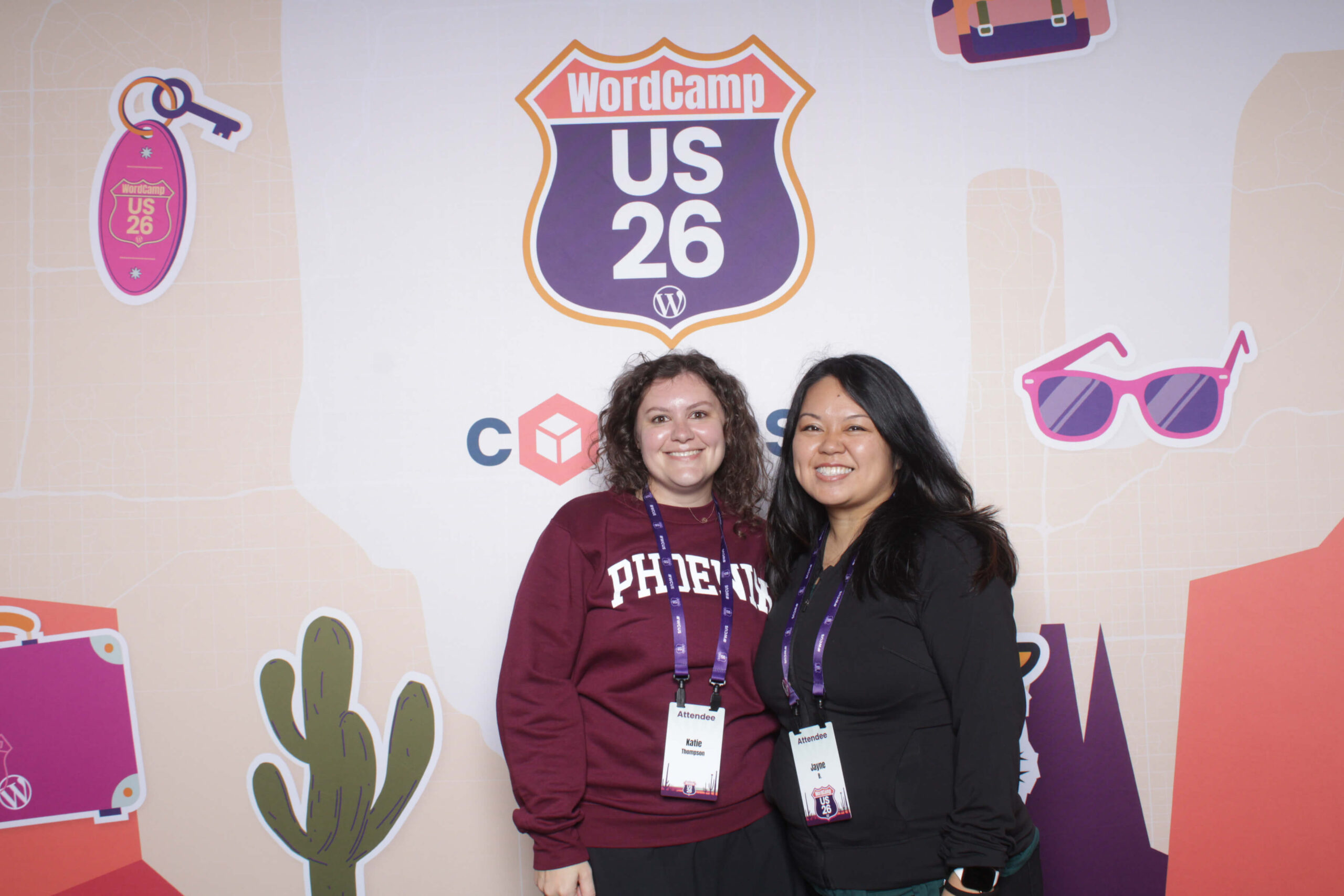





















 I'm Katie, the owner, project manager, website designer, and front-end developer of Pinecoast Creative. After earning a Bachelor’s Degree in Web Design and Web Technologies, I started my business in 2015, and I’ve loved every minute of it! I love to read, drink coffee, go to yoga, and listen to music. Your website will likely be crafted to the sounds of Taylor Swift, Noah Kahan, and Hozier.